AI Gross Margin: Track Inference Cost per Customer From Day One
AI features have a real cost per request, and it lands on your gross margin. How to log inference cost per customer and feature, where margin leaks (heavy users, free-tier abuse, model upgrades) and which levers move it.

in AI Economics8 min read
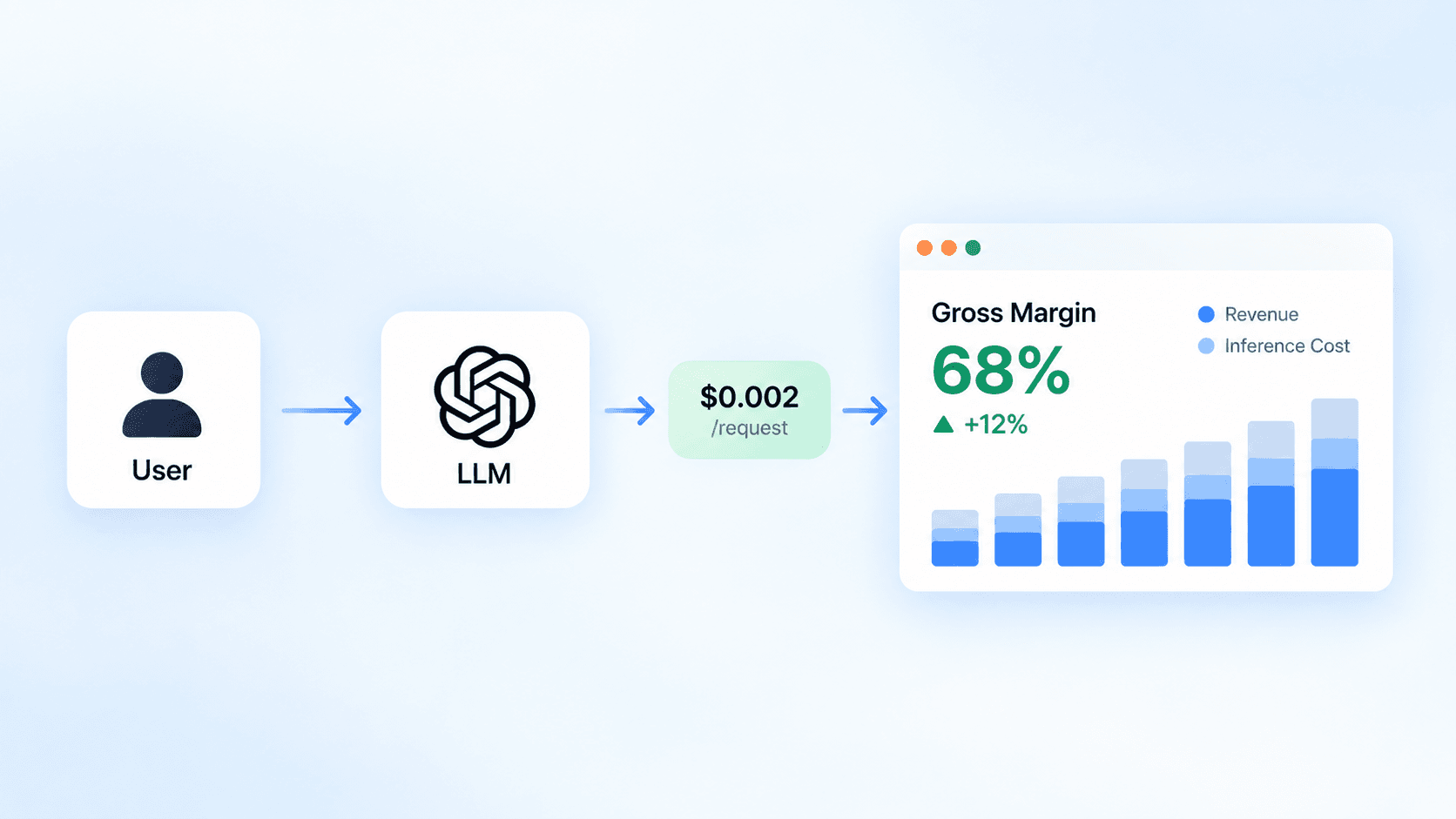
Every request to an AI feature has a marginal cost, and it lands on your gross margin whether or not the customer pays more for it. This is for founders and engineering leads at AI startups who want to know, per customer and per feature, what that cost is before the monthly invoice or a board meeting forces the question.
AI changed what a “normal” SaaS margin looks like
Classic SaaS got away with treating serving cost as a rounding error: another seat cost almost nothing to host. AI features don’t work that way. Each request pays for input and output tokens, tool calls and sometimes search, and the bill scales with how much customers use the product, not with how many seats they bought.
The benchmarks already reflect it. ICONIQ’s Pacesetter Index puts median gross margin at 55% for B2B AI companies under $10M ARR and 60% at $10M to $25M, against the old expectation of 75% to 80% for software; in the index, margins recover to around 80% in the $25M to $100M band as companies optimize inference and reprice contracts (SaaStr on the ICONIQ index (opens in a new tab)). The recovery is the useful part: it comes from knowing where the cost goes. You can’t optimize or reprice a cost you only see as one line on a provider invoice.
Log the cost of every request, tagged with the customer
Provider dashboards won’t give you customer- and feature-level attribution by default. Anthropic’s Usage and Cost Admin API groups usage by API key, workspace, model, service tier and a few other dimensions, and the cost report by workspace or description (Anthropic (opens in a new tab)). None of those is “customer 4812” or “the summarize feature”. Separate API keys per customer don’t scale past a handful of accounts, so the attribution has to happen in your code.
The data is already there. Every Messages API response carries input_tokens, cache_creation_input_tokens, cache_read_input_tokens and output_tokens, and total input is the sum of the first three (Anthropic (opens in a new tab)). Price each response when it comes back and store it next to the customer and feature that caused it:
import Anthropic from "@anthropic-ai/sdk";
import { db } from "@/lib/db";

const client = new Anthropic();

// USD per million tokens, from the Claude pricing page. Version it: every usage row records
// which prices it was costed with, so old numbers stay reproducible after a price change.
const PRICING_VERSION = "anthropic-2026-09-19";
const PRICES: Record<string, { input: number; output: number }> = {
  "claude-opus-5": { input: 5, output: 25 },
  "claude-sonnet-5": { input: 2, output: 10 },
  "claude-haiku-4-5": { input: 1, output: 5 },
};
const CACHE_WRITE_5M = 1.25; // 5-minute cache writes; 1-hour writes are 2x
const CACHE_READ = 0.1;
const WEB_SEARCH_USD = 10 / 1000;

type Ctx = { customerId: string; feature: string };

export async function meteredMessage(ctx: Ctx, params: Anthropic.MessageCreateParamsNonStreaming) {
  const message = await client.messages.create(params);
  const price = PRICES[params.model];
  if (!price) throw new Error(`No price configured for ${params.model}`);

  const u = message.usage;
  const cacheWrite = u.cache_creation_input_tokens ?? 0;
  const cacheRead = u.cache_read_input_tokens ?? 0;
  const searches = u.server_tool_use?.web_search_requests ?? 0;
  const costUsd =
    (u.input_tokens * price.input +
      cacheWrite * price.input * CACHE_WRITE_5M +
      cacheRead * price.input * CACHE_READ +
      u.output_tokens * price.output) /
      1_000_000 +
    searches * WEB_SEARCH_USD;

  await db.aiUsage.create({
    data: {
      customerId: ctx.customerId,
      feature: ctx.feature,
      model: params.model,
      inputTokens: u.input_tokens,
      cacheWriteTokens: cacheWrite,
      cacheReadTokens: cacheRead,
      outputTokens: u.output_tokens,
      costUsd,
      pricingVersion: PRICING_VERSION,
      inputRateUsdPerMTok: price.input,
      outputRateUsdPerMTok: price.output,
    },
  });
  return message;
}
The example assumes a Prisma-style db client and an ai_usage table; the shape matters more than the ORM. Storing the pricing version and the rates used matters for finance: when you update the table for a new model or a price change, older rows keep the cost they were recorded at, and every number in a report can still be explained. Two details catch people. Retries and failed agent loops cost money too, so record every call, not only the ones that produced something the customer saw. And streaming responses report usage in their events rather than on a returned object, so meter those in the stream handler.
Once the rows exist, the AI cost ratio, AI cost divided by the customer’s revenue for the same period, is one query:
WITH period AS (
  SELECT date_trunc('month', now()) - interval '1 month' AS starts_at,
         date_trunc('month', now()) AS ends_at
),
ai_cost AS (
  SELECT u.customer_id, SUM(u.cost_usd) AS ai_cost_usd
  FROM ai_usage u, period p
  WHERE u.created_at >= p.starts_at AND u.created_at < p.ends_at
  GROUP BY u.customer_id
),
revenue AS (
  -- Recognized revenue per customer for the same month, from your billing or finance data.
  SELECT r.customer_id, SUM(r.amount_usd) AS revenue_usd
  FROM customer_revenue r, period p
  WHERE r.period_start = p.starts_at
  GROUP BY r.customer_id
)
SELECT
  c.id,
  c.plan,
  COALESCE(rv.revenue_usd, 0) AS revenue_usd,
  ROUND(ac.ai_cost_usd, 2) AS ai_cost_usd,
  ROUND(ac.ai_cost_usd / NULLIF(rv.revenue_usd, 0) * 100, 1) AS ai_cost_ratio_pct
FROM ai_cost ac
JOIN customers c ON c.id = ac.customer_id
LEFT JOIN revenue rv ON rv.customer_id = ac.customer_id
ORDER BY ai_cost_ratio_pct DESC NULLS FIRST;
Match the periods. Divide last month’s AI cost by last month’s recognized revenue, not by the customer’s MRR today, or an upgrade or downgrade during the month skews the ratio. Customers with no revenue in the period, such as free and trial accounts, sort to the top.
This ratio isn’t gross margin by itself; it’s the AI part of your cost of goods sold. To get a customer’s actual gross margin, add the other direct costs of serving them: vector database and storage, search or reranking APIs, GPU compute, customer-specific infrastructure, and support if your accounting counts it as cost of revenue.
Reconcile your logged total with the provider’s daily cost report once a week. A gap means calls that bypass the metered path, which is usually a background job or a second SDK client someone added for a new feature.
Where the margin actually leaks
Sorting that report by AI cost ratio tends to surface three kinds of problem.
Heavy users on flat plans
Usage-driven cost meets seat- or plan-based revenue, so a small group of power users can cost several times what they pay while the average looks fine. The average hides it; the per-customer report doesn’t. You don’t need to punish those customers. You need to know they exist before you set next year’s prices, and you may want a fair-use limit or a usage tier above your top plan.
Accounts that were never customers
Free tiers and trials are where AI startups get hit hardest, because the product is compute that’s easy to resell. Stripe found attempted transaction fraud at AI startups 4.3x higher than at startups overall in Q3 2025 (2.6x by Q1 2026), and attempted multi-account abuse up 40% across AI subscription companies from January to June 2026, driven by people repeatedly claiming free tokens and new-account benefits (Stripe (opens in a new tab)). Stripe’s advice is to assess risk at registration and login, before any payment. In your own data, free accounts with high cost and no conversion are the first rows to look at.
Model upgrades that change the bill without changing the price list
A better model can cost more even when you use it for the same work. Databricks reportedly saw coding spend rise about 60% after rolling GPT-6 Astra out to its engineers, with clear gains on complex tasks and little on routine ones, and responded with a separate sub-budget for that model (Latent Space (opens in a new tab)). That’s a single report relayed by a newsletter, but the mechanism is general. There’s also a quieter version: Anthropic notes that Claude 4.7 and later models use a tokenizer that produces about 30% more tokens for the same text (Claude pricing (opens in a new tab)). Price per token isn’t cost per request. Re-run your cost numbers on real traffic before switching models, the same way you’d re-run quality evals; Pick a Coding Model With a 20-Task Eval on Your Own Repo covers the quality side.
Smaller leaks add up too. Tool definitions and a tool-use system prompt add input tokens to every request that declares tools, web search costs $10 per 1,000 searches on top of tokens, and US-only inference applies a 1.1x multiplier on recent Claude models (Claude pricing (opens in a new tab)). Each is small per request and easy to miss in a monthly total.
The levers, in the order worth pulling
Start with caching, because it costs nothing in quality. On the Claude API a cache read costs 0.1x the base input price, a 5-minute cache write 1.25x, so caching pays off after a single read (Claude pricing (opens in a new tab)). A request to Opus 5 with 20,000 input tokens and 1,000 output tokens costs $0.125 at list price; on a request where 18,000 of those input tokens are read from the cache (a system prompt and reference documents), it’s about $0.044. The first request that writes the cache pays slightly more than list price, which is why caching only helps content that is reused. Check that caching actually happens: prompts below the model’s minimum (512 to 4,096 tokens depending on the model) are processed without caching and without an error (Anthropic (opens in a new tab)). Your cacheReadTokens column tells you.
Next, move anything that doesn’t need an answer in seconds to the Batch API, which halves input and output prices, and the discounts stack with caching (Claude pricing (opens in a new tab)). Nightly summaries, enrichment jobs and evals are the usual candidates.
Then route by task. At list prices Haiku 4.5 is $1/$5 per million input/output tokens and Opus 5 is $5/$25, a factor of five on both (Claude pricing (opens in a new tab)). Classification, extraction and short rewrites rarely need the top model. Only route after you’ve measured quality on the smaller model for that task; a cheaper wrong answer is not a saving.
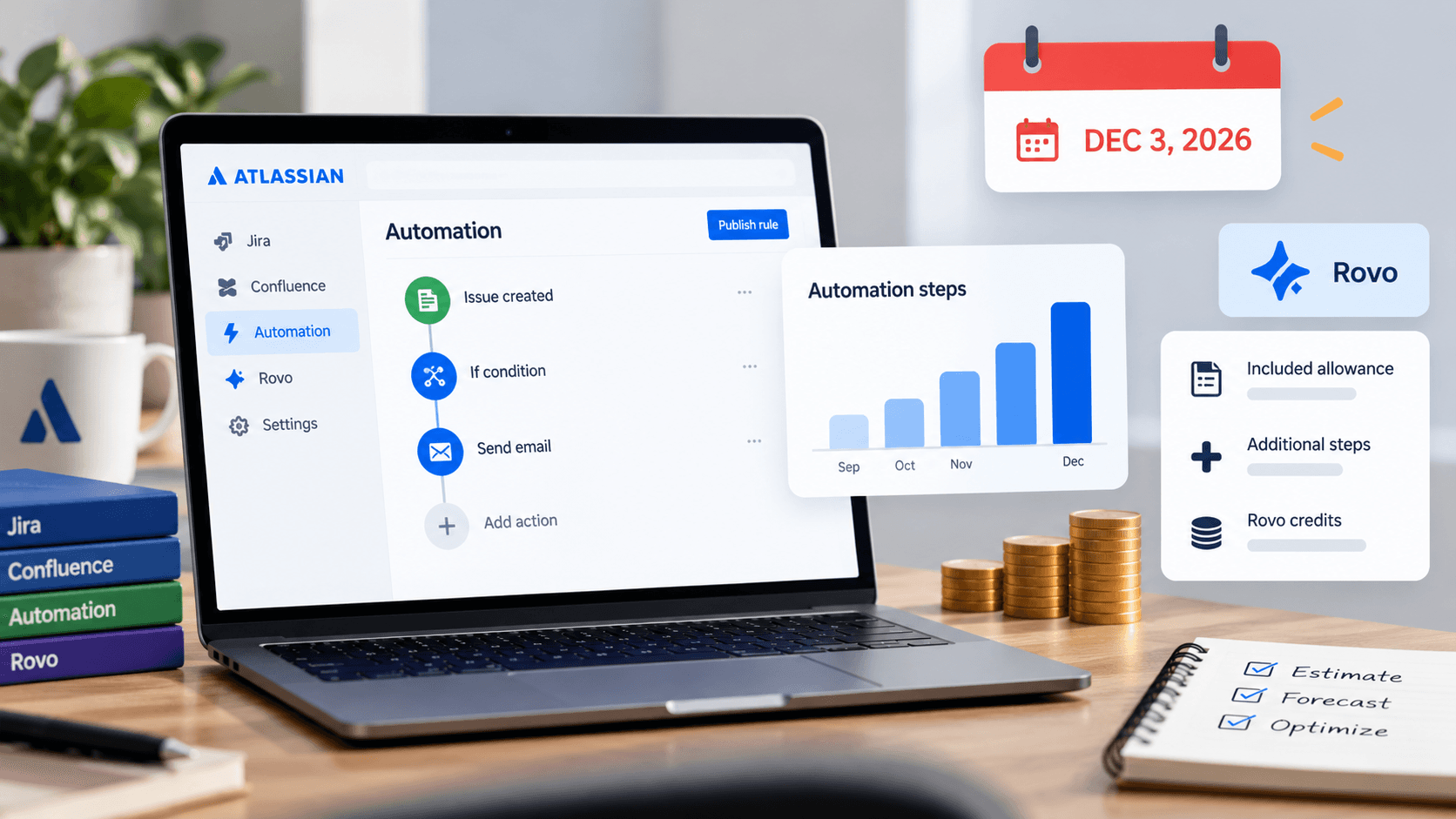
Pricing is the last lever and the most durable. If cost follows usage, some part of revenue should too: included usage with overages, credit packs, or a usage tier. Stripe’s LLM token billing (in public preview, through Metronome) syncs OpenAI, Anthropic and Google token prices and meters usage per customer by model and token type (Stripe (opens in a new tab)). Atlassian’s move to usage-based automation pricing shows the same logic from the buyer’s side.
Set a cost ceiling per plan and alert on it
Decide the highest AI cost ratio each plan can carry, set it per plan (a free plan’s ceiling is a dollar amount, not a percentage), and alert when a customer crosses it. Review the ten customers with the highest AI cost ratio every month, and re-price or re-route before a heavy user, an abusive signup or a model upgrade turns into a margin you only discover at quarter end.
Sources
- ICONIQ Pacesetter Index figures, via SaaStr (opens in a new tab)
- Claude pricing (Anthropic) (opens in a new tab)
- Prompt caching (Anthropic) (opens in a new tab)
- Usage and Cost API (Anthropic) (opens in a new tab)
- What Stripe data shows about fraud at AI startups (Stripe) (opens in a new tab)
- Bill for LLM tokens (Stripe docs) (opens in a new tab)
- Reality Checks on AI News (Latent Space) (opens in a new tab)