Web Search API Pricing for AI Agents: DeepSeek, Claude, OpenAI
DeepSeek’s Search and Fetch APIs cost $0.75 per 1,000 calls against $10 on Claude and OpenAI. For most agents the call fee is the smaller half of the bill: the result tokens are the rest. How to price both and cap them.

in AI Economics5 min read
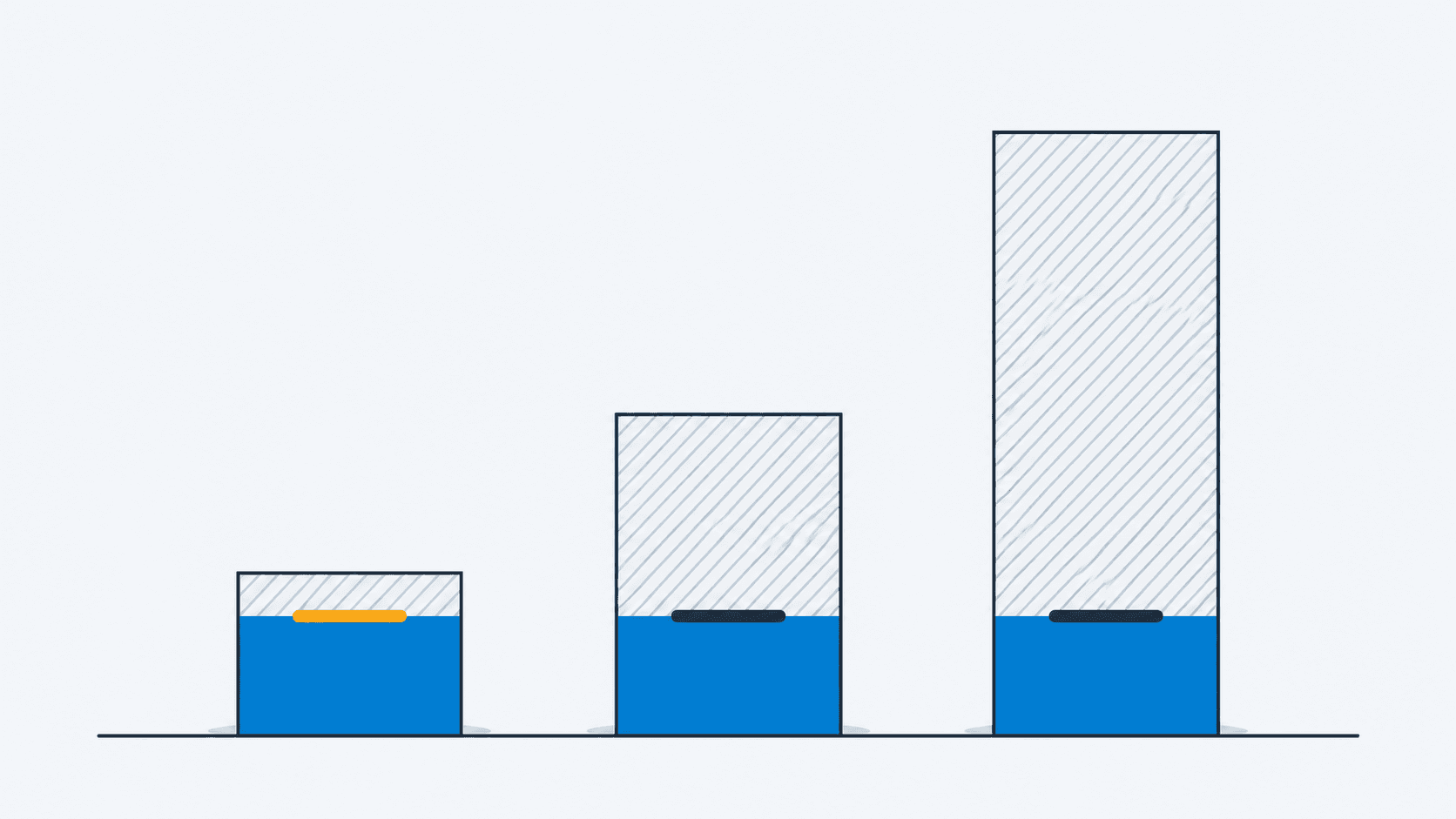
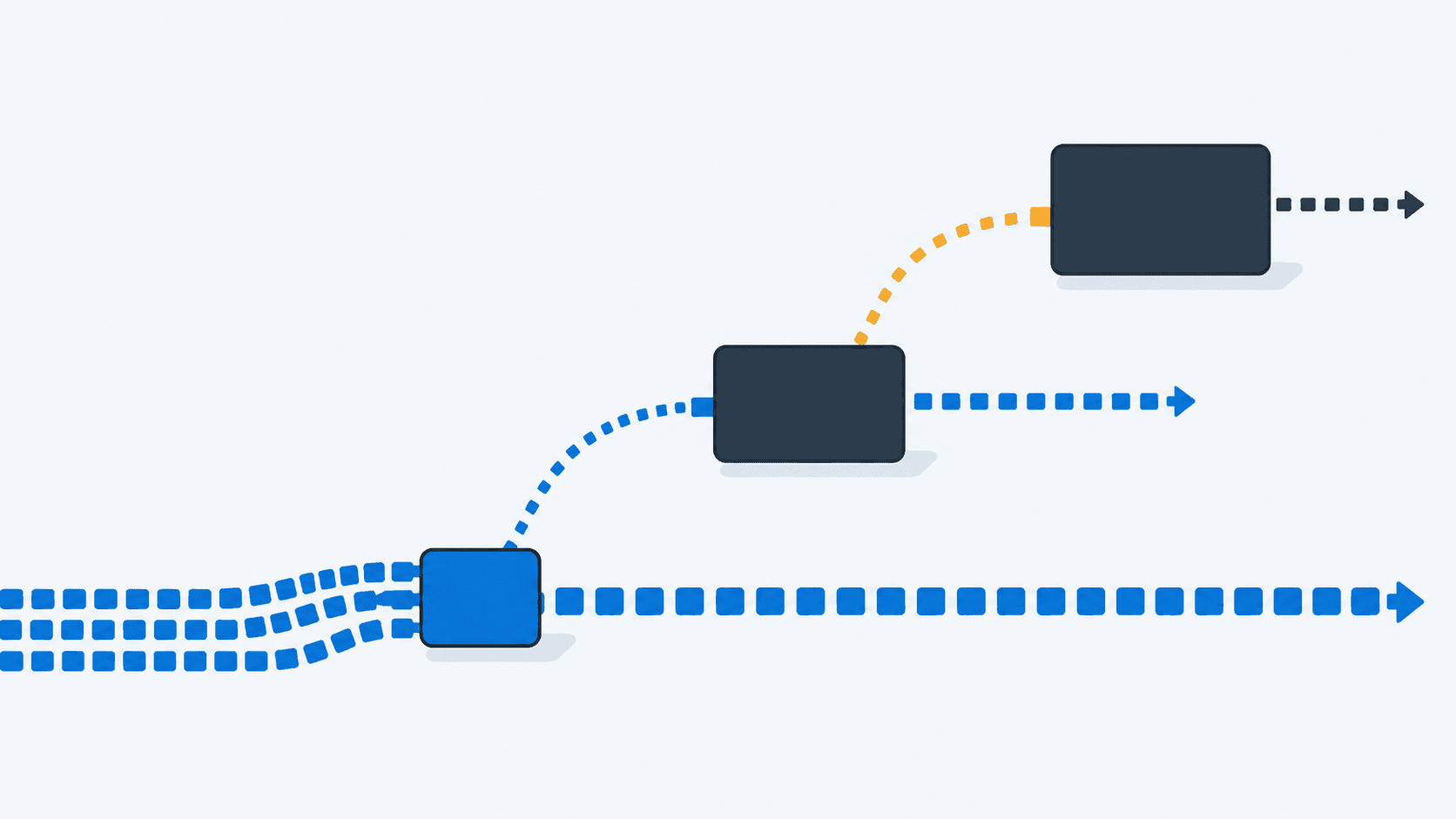
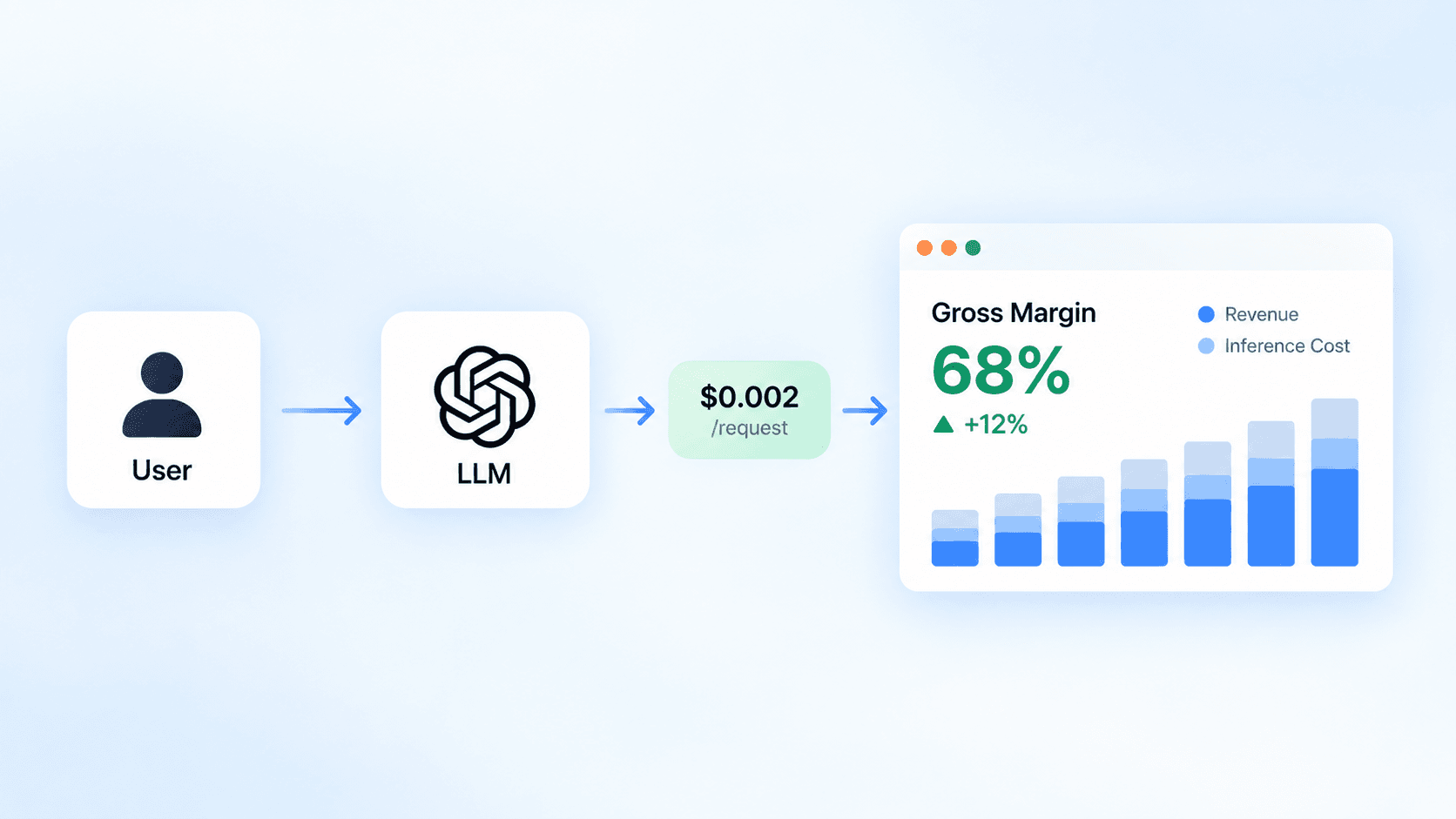
An agent that can search the web pays twice for every search: once for the call, and again for the tokens the results add to its context. DeepSeek has just priced standalone Search and Fetch APIs at a fraction of what Claude and OpenAI charge per call, which makes the call fee look like the thing to optimise. For most agents it’s the smaller half of the bill.
Web search API pricing side by side
These are list prices as of October 24, 2026.
|
Provider |
Search |
Fetch a page |
Result tokens |
|---|---|---|---|
|
Claude (web search, web fetch tools) |
$10 per 1,000 searches |
No fee |
Billed as input tokens at the model’s rate |
|
OpenAI (web search tool) |
$10 per 1,000 calls |
No separate tool listed |
Billed as input tokens at the model’s rate |
|
OpenAI (search preview, non-reasoning models) |
$25 per 1,000 calls |
No separate tool listed |
Free |
|
DeepSeek (Search and Fetch APIs) |
$0.75 per 1,000 successful requests |
$0.75 per 1,000 successful requests |
Whatever your model charges once you pass them in |
On Claude, a search costs $10 per 1,000 “plus standard token costs for search-generated content”, and failed searches aren’t billed (Claude web search docs (opens in a new tab)). Web fetch has no fee of its own: you pay only for the page’s tokens. OpenAI’s pricing page (opens in a new tab) lists the same $10 per 1,000 calls plus content tokens. Its preview tool for non-reasoning models costs $25 per 1,000 but includes the tokens.
DeepSeek’s Search and Fetch (opens in a new tab) are different in kind. They’re plain HTTP endpoints that return JSON to your code, billed only when a request returns a non-empty result. You decide what reaches the model. DeepSeek’s docs say per-request billing for server-side calls from its supported agent integrations starts on November 1, 2026.
The call fee is the smaller half
A Claude search is a cent. What it returns stays in the conversation: the docs say search results “are counted as input tokens, in search iterations run during a single turn and in subsequent conversation turns.” A fetched page works the same way, and the web fetch docs (opens in a new tab) give sizes to plan with. An average 10 kB page is about 2,500 tokens. A large documentation page is about 25,000, and a research PDF about 125,000.
Price one large documentation page as input:
|
Model |
First read |
Each later turn, from cache |
|---|---|---|
|
Claude Opus 5.5 ($4 input, $0.20 cache hit per million) |
$0.10 |
$0.005 |
|
Claude Sonnet 5.5 ($2 input, $0.10 cache hit) |
$0.05 |
$0.0025 |
|
Claude Haiku 5.5 ($0.10 input, $0.01 cache hit) |
$0.0025 |
$0.00025 |
On Opus 5.5, one large page costs ten times the search that found it, before any follow-up turn. If the cache has expired between turns, the next turn pays the first-read price again. On Haiku 5.5, the same page costs less than the search. Which half of the bill matters depends on the model doing the reading, so price the two together.
A worked month
Take an illustrative research agent on Sonnet 5.5 running 10,000 tasks a month. Each task makes four searches and fetches three average pages. Count only the fetched pages’ first read, because neither Claude nor OpenAI documents a typical size for search results.
|
|
Claude tools |
DeepSeek APIs feeding the same agent |
|---|---|---|
|
Search fees (40,000) |
$400 |
$30 |
|
Fetch fees (30,000) |
$0 |
$22.50 |
|
Fetched page tokens (75M at $2 per million) |
$150 |
$150 |
|
Total before search-result tokens |
$550 |
$202.50 |
For a search-heavy agent reading short pages, DeepSeek’s price is a real saving: $347.50 a month on these assumptions. Now change one thing and have each task fetch three large documentation pages instead. Page tokens become $1,500 on either side. The fee difference is the same, but it’s now about a fifth of the bill instead of most of it. Agents that read documentation, filings or PDFs spend their money on tokens, whichever search they use.
What DeepSeek’s price buys, and what it doesn’t
Claude’s web search and fetch are server tools. The API runs them inside the request, and with the web_search_20260209 version or later, Claude writes code that filters results before they reach its context. The docs say this “reduces token use on search-heavy requests”. DeepSeek gives you raw results. You build the tool, run the loop and decide what to keep. That’s more code, but also more control over the expensive half.
The DeepSeek API has the controls for it. count sets how many results come back, from 1 to 50, and doesn’t change the price. need_content is off by default, so you get a short snippet and a longer summary instead of full page text. Each result carries a rerank_score from 0 to 3, and DeepSeek treats 1.5 or above as high quality. Drop everything below your threshold before the model sees it. Plan for the rate limits too, 100 searches and 25 fetches per second per account, and retry on 429.
One thing price tables leave out: every query your agent sends goes to the search provider. If queries can contain customer names, ticket text or internal project names, that’s a data-handling decision before it’s a pricing one.
Cap both sides
Claude’s tools take caps directly in the tool definition. This is the one shape worth copying exactly:
const tools = [
  {
    type: "web_search_20260318",
    name: "web_search",
    max_uses: 4,
    allowed_domains: ["docs.stripe.com", "developer.mozilla.org"],
  },
  {
    type: "web_fetch_20260318",
    name: "web_fetch",
    max_uses: 3,
    max_content_tokens: 8000,
  },
];
max_uses caps calls per request. max_content_tokens truncates fetched text, though not PDFs. allowed_domains keeps an agent off the long tail of low-quality results it would otherwise pay to read. On web_search_20260318, response_inclusion: "excluded" also stops filtered results being echoed back in the response. That trims output tokens when your client doesn’t need them.
Caps per request don’t cap a task, though. Track tool calls and result tokens per task alongside model spend, the way you’d track inference cost per customer. Without that, a single runaway research loop shows up only on the invoice.
Choose by what your agent reads
If your agent searches often and reads little, so its tokens mostly come from snippets and short pages, the per-call fee is most of the bill. DeepSeek’s APIs cut it by about 13 times, provided you’re willing to own the tool loop and the data question. If your agent reads long documents, spend your effort on what enters the context: filtering, truncation and a cheaper model for the reading. Routing that reading to Haiku changes the bill more than any search price on this page.
Start by logging, for one week, how many searches and fetches each task makes and how many tokens their results add. Then price both halves with your own numbers, the same way the Mistral Large 4 comparison priced models per finished task rather than per token.