Atlassian Automation Usage Pricing: Estimate It Before Dec 3
From December 3, 2026, Atlassian bills automation steps beyond your included allowance, alongside Rovo credits. How steps are counted, how to forecast a typical, busy and worst month, and why running out and Rovo actions in rules matter more than the step price.

in AI Economics7 min read
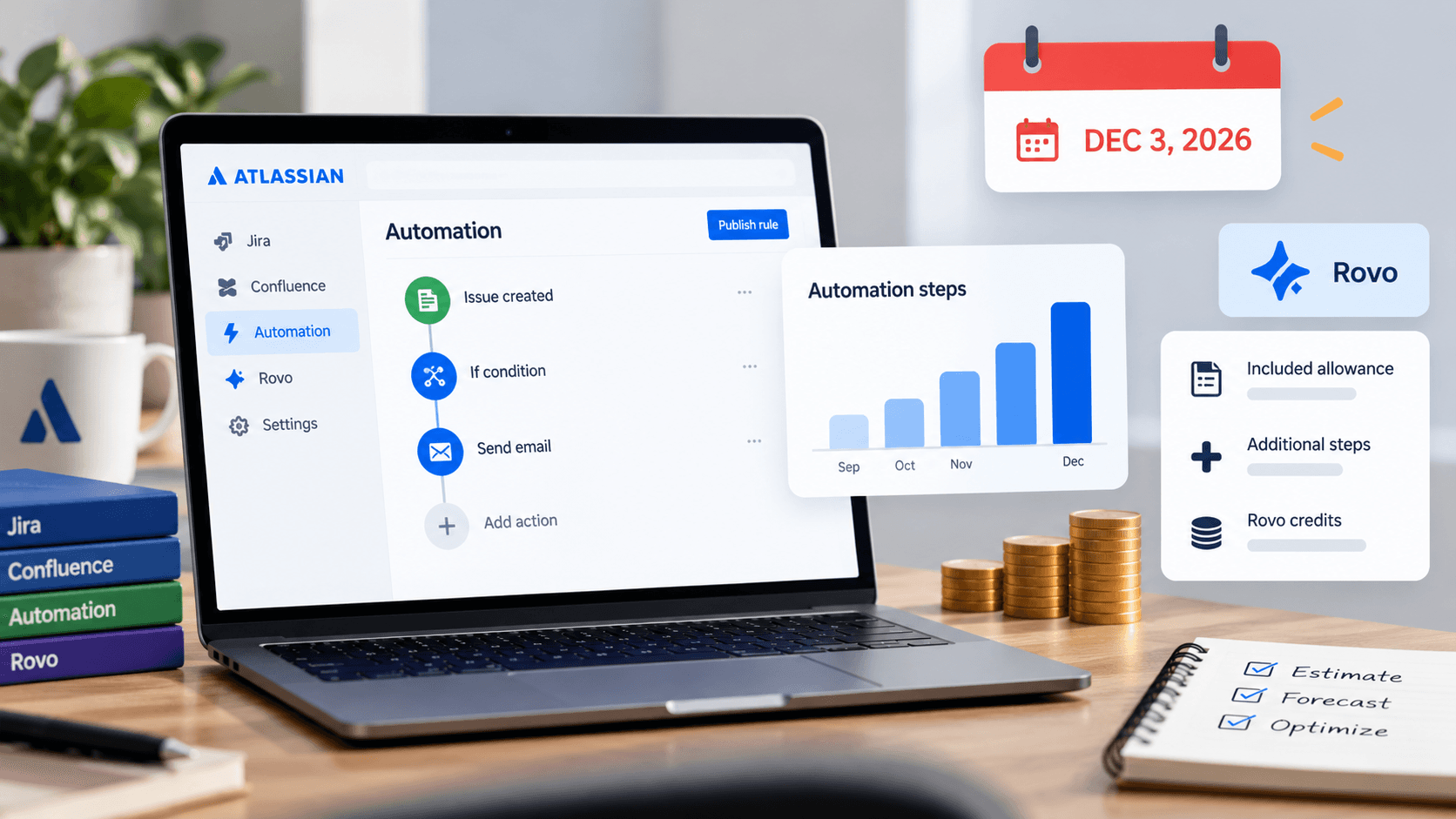
On December 3, 2026, Atlassian starts billing automation steps that go beyond your organization’s included allowance, along with Rovo credits and its other new usage meters. Teams that automated Jira and Confluence heavily now have a meter running under every rule. This is for the engineers and admins who own those rules: how the meter counts, how to estimate your bill from real usage, and where the actual risk sits, which is mostly not the step price.
What changes on December 3
Automation has “moved from per app monthly flow limits to usage-based automation steps pooled at the organization level”, and extra usage billing starts on December 3 (Atlassian Support (opens in a new tab)). Atlassian’s announcement covers three meters: automation steps, Rovo credits and AI agent resolutions (Atlassian (opens in a new tab)). Its pricing overview says billing takes effect on December 3 “for most meters” and that timing may vary by capability and billing cadence (Atlassian (opens in a new tab)), but for automation steps the date is documented.
Allowances come from your subscriptions, are summed across apps into one organization-wide pool and refresh monthly:
|
Monthly automation steps |
Free |
Standard |
Premium |
Enterprise |
|---|---|---|---|---|
|
Jira |
150 per subscription |
400 per user |
750 per user |
1,000 per user |
|
Confluence |
50 per subscription |
100 per user |
250 per user |
500 per user |
|
Jira Service Management / Service Collection |
1,250 per subscription |
3,000 per user |
6,500 per user |
9,500 per user |
|
Teamwork Collection |
200 per subscription |
2,500 per user |
5,000 per user |
7,500 per user |
Steps beyond the pool cost “$0.50 per 1,000 additional steps”. Rovo credits are a separate pool: 25, 70 or 150 credits per user per month for Jira or Confluence on Standard, Premium or Enterprise, with extra credits at “$0.01 per Rovo credit, or $10 per 1,000 credits” (Atlassian Support (opens in a new tab)).
What counts as a step
A step is every trigger, condition, action, if/else branch and for-each loop that runs. The details are where teams get surprised. A step is charged when it succeeds, when it runs but changes nothing, when it hits a configuration error and when it’s aborted. And a trigger that finds nothing still counts: “Even if a trigger doesn’t find a match to start the rest of the flow, the trigger execution itself is charged as one step.”
Two things don’t count as steps. Throttled runs and system-side errors are free, and the agentic actions (Use Rovo, Use agent, Use Jira Coding agent) are billed as Rovo credits instead. The two meters are independent, even inside one rule:
|
What runs in a rule |
Automation steps |
Rovo credits |
|---|---|---|
|
Trigger, including one that finds no match |
Yes, one step |
No |
|
Condition, action, if/else branch, loop |
Yes, each time it runs |
No |
|
Use Rovo, Use agent or Use Jira Coding agent action |
No |
Yes, by feature |
|
The ordinary steps around that agent action |
Yes |
No |
|
Throttled runs and system-side errors |
No |
No |
The agent row matters more than anything in the allowance table.
Estimate the bill from the meter, not from guesses
Organization admins can see usage against the pooled allowance under Atlassian Administration, then Insights, then Platform usage. Start there, because the arithmetic is easy and the surprises are in which rules produce the volume.
Take a 20-person team on Jira Standard: 20 × 400 = 8,000 steps a month. One scheduled rule that polls every five minutes runs its trigger 12 times an hour, 8,640 times in a 30-day month. On its own, that rule uses the whole pool before it has done anything, because each run that finds no matching work item is still one charged step.
Loops are the other multiplier. A nightly rule that walks 150 stale tickets and runs two actions on each executes at least 300 actions per night, around 9,000 a month, before counting the trigger, conditions and the loop itself. Neither rule looks expensive in the rule editor.
Paying for that overage is cheap. At $0.50 per 1,000 steps, going 10,000 steps over costs $5.00, Atlassian’s own example.
Usage also moves from month to month, so forecast three numbers instead of one: a typical (p50) month, a busy (p95) month such as a release or an incident-heavy week, and the worst month you can plausibly expect. With the same 8,000-step pool and illustrative figures:
|
Month |
Steps used |
Over the allowance |
Extra cost at $0.50 per 1,000 |
|---|---|---|---|
|
Typical (p50) |
6,200 |
0 |
$0 |
|
Busy (p95) |
9,500 |
1,500 |
$0.75 |
|
Worst case |
14,000 |
6,000 |
$3.00 |
Even the worst case is a rounding error on the invoice. What it would cost to have every rule stop partway through that month is the number to plan around.
The expensive part is running out, not paying
What happens at 100% depends on one setting. With extra usage enabled, admins get notifications at 80% and 100% and flows keep running, billed on the next invoice. With it disabled, “your automation flows will stop running until usage resets” (Atlassian Support (opens in a new tab)). The pool is shared, so the polling rule from the example doesn’t just stop itself: it can use up the allowance your release, on-call and SLA rules depend on.
That makes switching extra usage off the riskier way to save money on steps. Leave it on and set a monthly limit instead.
Admins can set an extra-usage limit per meter under Billing, and once it’s reached “no extra usage can be incurred, and metered features may be limited” (Atlassian Support (opens in a new tab)). Size the limit so it only triggers when something has clearly gone wrong, such as a rule stuck in a loop.
Don’t assume the default. Atlassian’s pricing overview says extra usage “is enabled by default” and can be limited or disabled (Atlassian (opens in a new tab)), while its Teamwork Graph FAQ says you’ll “never be billed for extra usage unless you explicitly opt in” (Atlassian Support (opens in a new tab)). Check each meter’s setting in Atlassian Administration before December 3.
There’s also a third option between capped extra usage and a hard stop: a prepaid usage pack. For automation steps, packs range from 40,000 to 200 million steps a month, at USD 20 to USD 100,000, which works out to the same USD 0.50 per 1,000 steps; they reset each billing cycle and unused steps don’t roll over (Atlassian Support (opens in a new tab)). A pack doesn’t make steps cheaper. It makes the bill predictable, which is worth having if your p95 month sits well above the allowance every time.
Rovo actions inside rules are the line to watch
Rovo credits are where automation gets expensive. Each invocation of an agent or AI feature is a billable event, and what it costs depends on the feature and the complexity of the request. Atlassian’s rate card puts basic Rovo agents (no model selection) at 10 credits per billable event, while advanced agents with model selection, “Think deeper” chat and the Jira Coding Agent use variable credits (Atlassian Support (opens in a new tab)). If a rule’s agent action runs a basic agent, that’s $0.10 per call beyond the allowance at list price, against $0.0005 for an automation step; an advanced agent costs more, by an amount that varies.
The same 20-person Jira Standard team gets 20 × 25 = 500 Rovo credits a month, which covers 50 basic agent invocations. A rule that calls a basic Rovo agent on every new work item uses that up with the 50th ticket; at 400 new tickets a month, the other 350 calls cost about $35 at list price, and the people using Rovo Chat directly share the same pool.
Treat Rovo as its own meter and forecast it from your real mix, not from the basic-agent rate. Put the agent action behind conditions so it runs only on the work items that need it: a specific issue type, a missing field, a label someone applied on purpose. Then check what’s consuming credits: admins can export Rovo usage as a CSV with feature, user, agent and timestamp, covering up to three months or a million events.
Cut steps without losing the automation
Most step volume comes from rules that check rather than act, so the fixes are about checking less often and filtering earlier.
- Replace polling with events. A rule triggered when a work item is transitioned runs when something happens; a five-minute schedule runs 8,640 times a month whether anything happened or not.
- Where a schedule is the right tool, lengthen the interval to what the process actually needs, and filter in the trigger’s JQL (for example
project = OPS AND status = "Waiting for customer" AND updated <= -7d) instead of looping over a broad set and discarding most of it with conditions. - Put the most selective condition first. Every component that runs is charged, so a rule that stops at its first condition costs less than one that evaluates three before failing.
- Merge near-duplicate rules that teams copied per project, and switch off rules nobody has needed in months. The rule’s audit log shows when it last did real work.
Before December 3
Open Platform usage and compare this month’s steps and Rovo credits with your pooled allowance. Sort your rules by executions, convert the busiest scheduled rules to event triggers, and put conditions in front of every Rovo agent action.
Forecast a typical, busy and worst month for both meters. Then decide per meter: capped extra usage with a monthly limit you’d be comfortable explaining, or a usage pack if your busy months reliably exceed the allowance. Confirm the setting in Atlassian Administration rather than trusting a default, so a runaway rule costs a bounded amount instead of stopping every automation in the organization.
Sources
- Atlassian: usage-based pricing announcement (opens in a new tab)
- Atlassian Support: How your automation usage is calculated (opens in a new tab)
- Atlassian Support: Manage extra usage for a meter (opens in a new tab)
- Atlassian Support: How Rovo credits work (opens in a new tab)
- Atlassian: usage-based pricing overview (opens in a new tab)
- Atlassian Support: Manage usage packs (opens in a new tab)
- Atlassian Support: Teamwork Graph CLI FAQ (opens in a new tab)