GitLab Critical RCE: Upgrade to 19.5.1, 19.4.3 or 19.3.6
CVE-2026-110264 lets an unauthenticated attacker run code on self-managed GitLab, in every release back to 7.0. Which version to move to, why the backports don’t close the whole release, and how to upgrade without a second incident.

in Production Stacks4 min read

If you run GitLab yourself, the October 21 patch release is not one to leave for the next maintenance window. CVE-2026-110264 lets an unauthenticated attacker run code on the server under conditions GitLab hasn’t described. It affects every release back to 7.0. This covers what’s known, which version to move to, and one gap in the backported fixes that’s easy to miss.
What CVE-2026-110264 is
GitLab, which assigns CVEs for its own products, describes it as an integer overflow when compiling a specially crafted regular expression. Under certain conditions, it lets an unauthenticated user run arbitrary code on the GitLab server. The CVE record (opens in a new tab) scores it 10.0 with the vector AV:N/AC:L/PR:N/UI:N/S:C/C:H/I:H/A:H: reachable over the network, low complexity, no account, no user interaction, and an impact that reaches beyond the vulnerable component. That’s as bad as CVSS goes.
The CVE text doesn’t name the component. The Hacker News reports (opens in a new tab) that it’s in Onigmo, the regular-expression engine built into Ruby, which GitLab ships and patches in its own packages. The same report says GitLab had seen no sign of exploitation, and that the flaw wasn’t in CISA’s Known Exploited Vulnerabilities catalog as of October 22. GitLab hasn’t published what an attacker needs to reach the regex compiler. Until it does, assume that any GitLab instance an attacker can reach over the network is in scope.
It’s also not the first one this month. CVE-2026-97229 (opens in a new tab), fixed on October 12, was another unauthenticated, CVSS 10.0 integer overflow, reached through a crafted regular expression in a CI/CD configuration. Two critical regular-expression bugs in two weeks means researchers are looking hard at this part of the stack. If you’re on 19.2, 19.3 or 19.4 and skipped the October 12 release, the October 21 releases for those lines include that fix too, so one upgrade closes both.
Which version to upgrade to
The fixed releases, from the CVE record:
|
If you run |
Upgrade to at least |
|---|---|
|
19.5 |
19.5.1 |
|
19.4 |
19.4.3 |
|
19.3 |
19.3.6 |
|
19.2 |
19.2.9 |
|
19.1 |
19.1.9 |
|
19.0 |
19.0.10 |
|
7.0 through 18.11 |
18.11.13 |
Only self-managed installations need to act. According to The Hacker News, GitLab.com already runs the fix, and GitLab Dedicated tenants on the patched internal releases are covered.
The 18.11.13, 19.0.10, 19.1.9 and 19.2.9 releases are backports outside GitLab’s normal cadence. They exist so that teams on older lines can close this one hole without a minor-version upgrade under pressure. That’s useful, and it comes with a catch.
The backport closes the critical flaw, not the whole release
The October 21 release fixes other issues too. Two of them are high severity, and their CVE records list fixes only on the three current lines: 19.3.6, 19.4.3 and 19.5.1.
- CVE-2026-15723 (opens in a new tab), CVSS 8.2: a logged-in user can take over an existing LDAP-backed account through LDAP injection in the email lookup used for identity linking. It applies only when OmniAuth SAML and LDAP auto-linking are both enabled. The record lists affected versions from 10.1.
- CVE-2026-112212, CVSS 7.5: an unauthenticated attacker can poison a shared cache’s OAuth or OpenID Connect discovery document and redirect some sign-in flows to an external server. The record lists affected versions from 18.3.
So a server on 18.11 that takes the 18.11.13 backport closes the CVSS 10 flaw, but stays vulnerable to both of these if its configuration matches. Check two things before treating the backport as done. Is SAML enabled together with LDAP auto-linking? Does GitLab sit behind a cache that’s shared between users? If either answer is yes, the backport is a stopgap, and the move to 19.3.6 or later belongs on this month’s plan, not next quarter’s.
Network restrictions help, but they don’t fix it
It’s tempting to decide that an instance behind a VPN or an IP allow-list can wait. A restricted network does narrow who can reach the server, and for an unauthenticated flaw that matters. But PR:N means no account is needed. Anyone who can send a request to GitLab, including a contractor’s laptop on the VPN or a compromised CI runner on the same network, is a possible attacker. And because the preconditions are undisclosed, you can’t argue that a particular feature you’ve turned off makes you safe.
Treat network restrictions as the thing that buys you hours, not weeks. The same principle applies to every self-hosted service with an admin surface, including a self-hosted LLM server: exposure decides who can try, and patching decides whether trying works.
Upgrade without a second incident
The usual way an emergency patch goes wrong is the upgrade itself, not the vulnerability. The Hacker News reports that 19.4.3 and 19.3.6 include database migrations, so a single-node server will have downtime, while multi-node setups can use GitLab’s zero-downtime procedure. Plan for that rather than discovering it at the prompt.
Before upgrading, take a full backup and copy the configuration and secrets files separately, since GitLab’s application backup doesn’t include them. A restored backup without the secrets file can’t decrypt CI variables or two-factor settings. Upgrade on the patch path for your line, then confirm the running version in the admin area, rather than trusting that the package manager finished.
If you can’t upgrade today, GitLab published two Sigma detection rules, “Onigmo native worker crash” and “Org mode render error burst”, according to the same report. A burst of worker crashes in the regex engine is the signal to look for while the upgrade is scheduled.
Make the next one routine
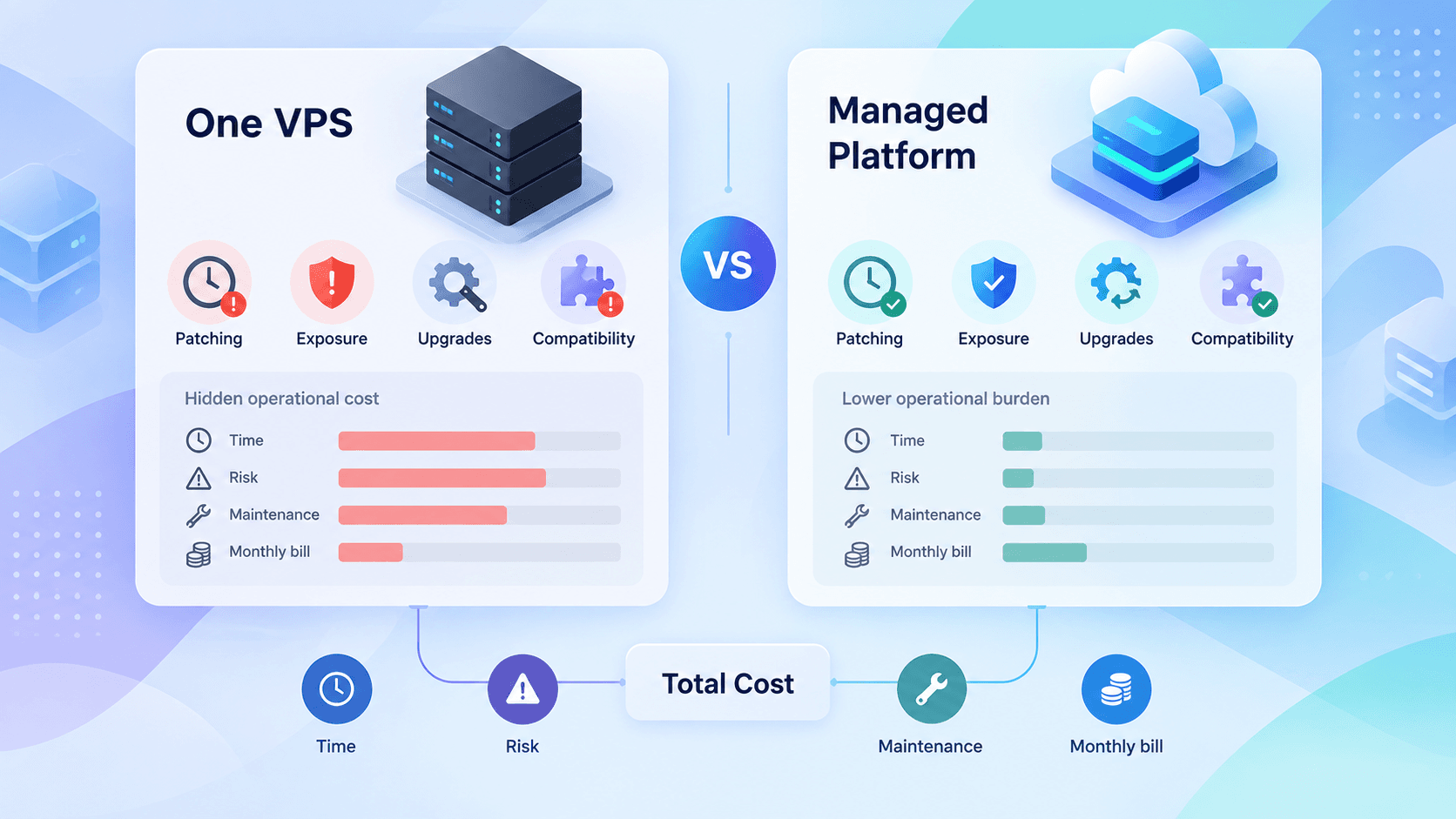
Self-hosting GitLab means owning this work every month, not once a year. That’s part of the real cost of running your own server, and it’s an easy cost to leave out of the comparison.
Upgrade to the fixed release on your line today. If that’s a backport release, check the SAML, LDAP and shared-cache conditions above, and schedule the move to a current minor version within the month. Then subscribe to GitLab’s security release notifications and keep a tested upgrade runbook, so that the next CVSS 10 is an afternoon’s work.