Lock Down a Self-Hosted LLM Server: Ollama and vLLM Defaults
Ollama has no authentication for local requests, and vLLM’s --api-key covers only some paths. What an exposed inference server gives away, and the setup that closes it: loopback binding, an allowlisting proxy and closed ports.

in AI Infrastructure & Ops6 min read
A model that ran fine on a laptop moves to a GPU box or a VPS so the team, or an app, can use it. Someone follows the docs, changes the bind address, and from then on anyone who can reach the port can run inference on your hardware and manage the server’s models. This is for teams making that move with Ollama or vLLM, and the short version is that neither server is meant to face a network you don’t trust.
Both servers assume a trusted network
Ollama is safe by default and easy to make unsafe. It “binds 127.0.0.1 port 11434 by default”, and the FAQ’s answer to “How can I expose Ollama on my network?” is one environment variable, OLLAMA_HOST, with no warning attached (Ollama FAQ (opens in a new tab)). Requests to a local server carry no credentials: the API docs say cloud requests need an API key and local requests don’t (Ollama API (opens in a new tab)). The OLLAMA_API_KEY that Ollama’s cloud models use protects nothing on your own server.
vLLM looks more protected than it is. It has an --api-key flag, but the security guide is explicit that the key applies “only for endpoints under the /v1, /v2, /inference, and /cohere path prefixes”. Several other endpoints share the same HTTP server without authentication, and the guide singles out one: “The /invocations endpoint is particularly concerning as it provides unauthenticated access to the same inference capabilities as the protected /v1 endpoints.” Its conclusion is the one to remember: “Do not rely exclusively on --api-key for securing access to vLLM” (vLLM security (opens in a new tab)).
Neither of these is a bug. These are inference engines, not API products. Authentication, rate limits and TLS are the job of whatever sits in front of them.
What an exposed endpoint gives away
The obvious loss is compute. Generation and chat endpoints run on your GPU for whoever calls them, which on a rented box is a bill and on a shared one is everyone else’s latency.
The less obvious loss is control. Ollama’s API includes endpoints to create, copy, pull, push and delete models (Ollama docs index (opens in a new tab)), so an exposed server lets a stranger fill your disk with downloads or delete the model your app depends on. vLLM’s unauthenticated set includes operational controls such as /pause, /abort_requests and /update_weights. Anything that can pause the server or abort requests is a way to take your service down without sending a single expensive prompt.
The model-management surface has had real bugs. CVE-2024-37032 covered Ollama versions before 0.1.34, which did not validate the digest format “when getting the model path”, including digests beginning with ../ (GitHub advisory GHSA-8hqg-whrw-pv92 (opens in a new tab)). It’s fixed, and a patched server isn’t vulnerable to it. The lesson is about exposure rather than that bug: every endpoint you leave reachable is code you’re trusting to be bug-free against inputs from strangers.
There is one more path that catches people who never exposed anything. vllm serve defaults --allowed-origins, --allowed-methods and --allowed-headers to * (vllm serve (opens in a new tab)). A server listening on a developer’s machine or office network is reachable from that person’s browser, and depending on the browser’s private-network protections, a web page they visit may be able to call it and read the response. “It only listens on localhost” is a statement about the network, not about the browser running on the same machine.
Bind locally, then put a proxy in front
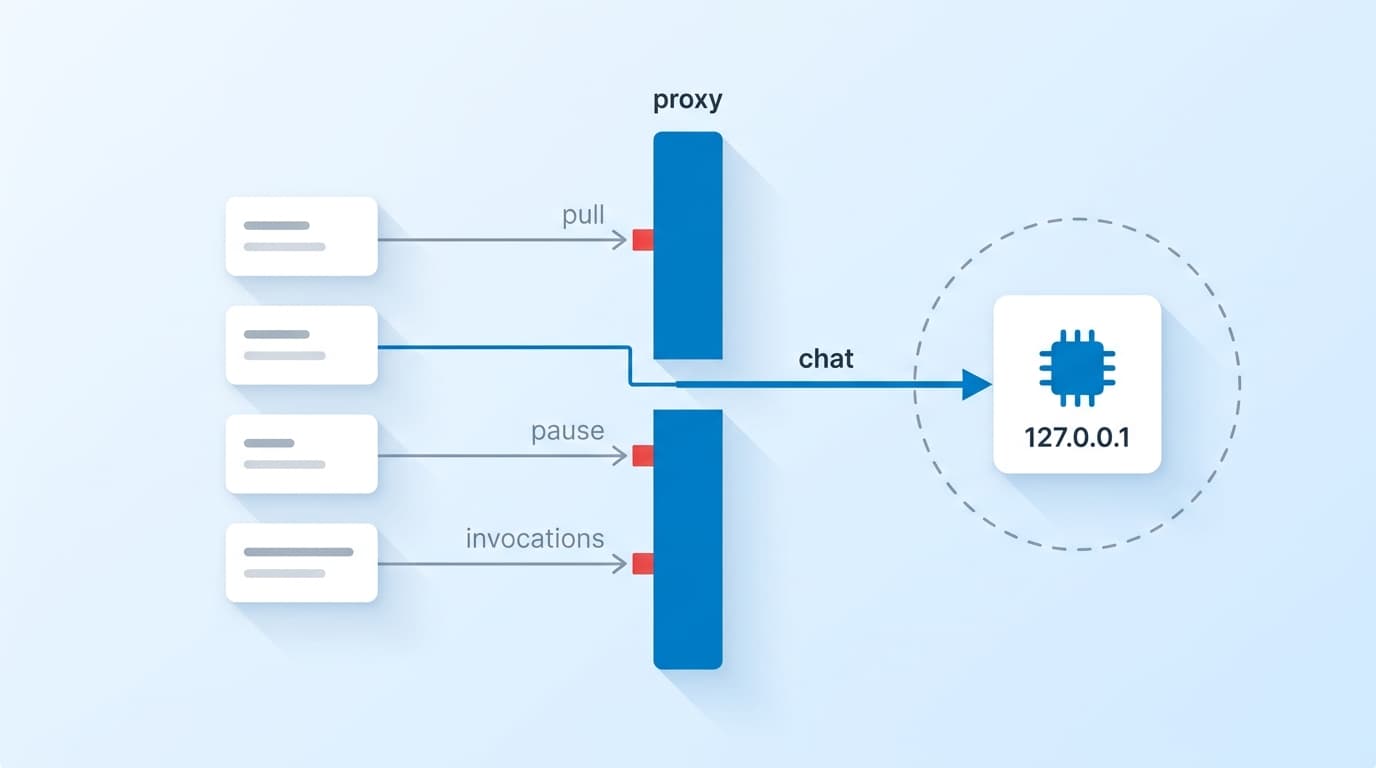
The fix has the same shape for both servers. Bind the engine to the loopback interface, put a reverse proxy on the public port, and make the proxy responsible for TLS, authentication, the list of allowed endpoints, rate limits and logs. vLLM’s own guidance describes exactly this: a reverse proxy that “Explicitly allowlists only the endpoints you want to expose to end users” and blocks the rest.
For Ollama, binding locally is the default, so the main thing is not to change it. For vLLM, the CLI reference states no default for --host, so set --host 127.0.0.1 explicitly instead of trusting whatever the default turns out to be.
The proxy then exposes only what your application calls. For an app that uses chat completions, that’s one path:
# /etc/nginx/conf.d/llm.conf
limit_req_zone $binary_remote_addr zone=llm:10m rate=5r/s;

map $http_authorization $llm_client_ok {
    default                         0;
    "Bearer replace-with-a-long-random-key" 1;
}

server {
    listen 443 ssl;
    server_name llm.example.com;
    ssl_certificate     /etc/letsencrypt/live/llm.example.com/fullchain.pem;
    ssl_certificate_key /etc/letsencrypt/live/llm.example.com/privkey.pem;

    location = /v1/chat/completions {
        if ($llm_client_ok = 0) { return 401; }
        limit_req zone=llm burst=10 nodelay;

        proxy_pass http://127.0.0.1:8000;
        proxy_set_header Authorization "Bearer replace-with-the-vllm-api-key";
        proxy_buffering off;
        proxy_read_timeout 300s;
    }

    # Everything else, including /invocations and the operational endpoints, stays closed.
    location / {
        return 404;
    }
}
The allowlist is the part doing the work. Denying known-bad paths would miss the next endpoint a release adds; allowing one path means a new endpoint stays closed until you open it. For Ollama, the same structure allows /api/chat or /api/generate and leaves /api/pull, /api/create, /api/push and /api/delete behind the 404.
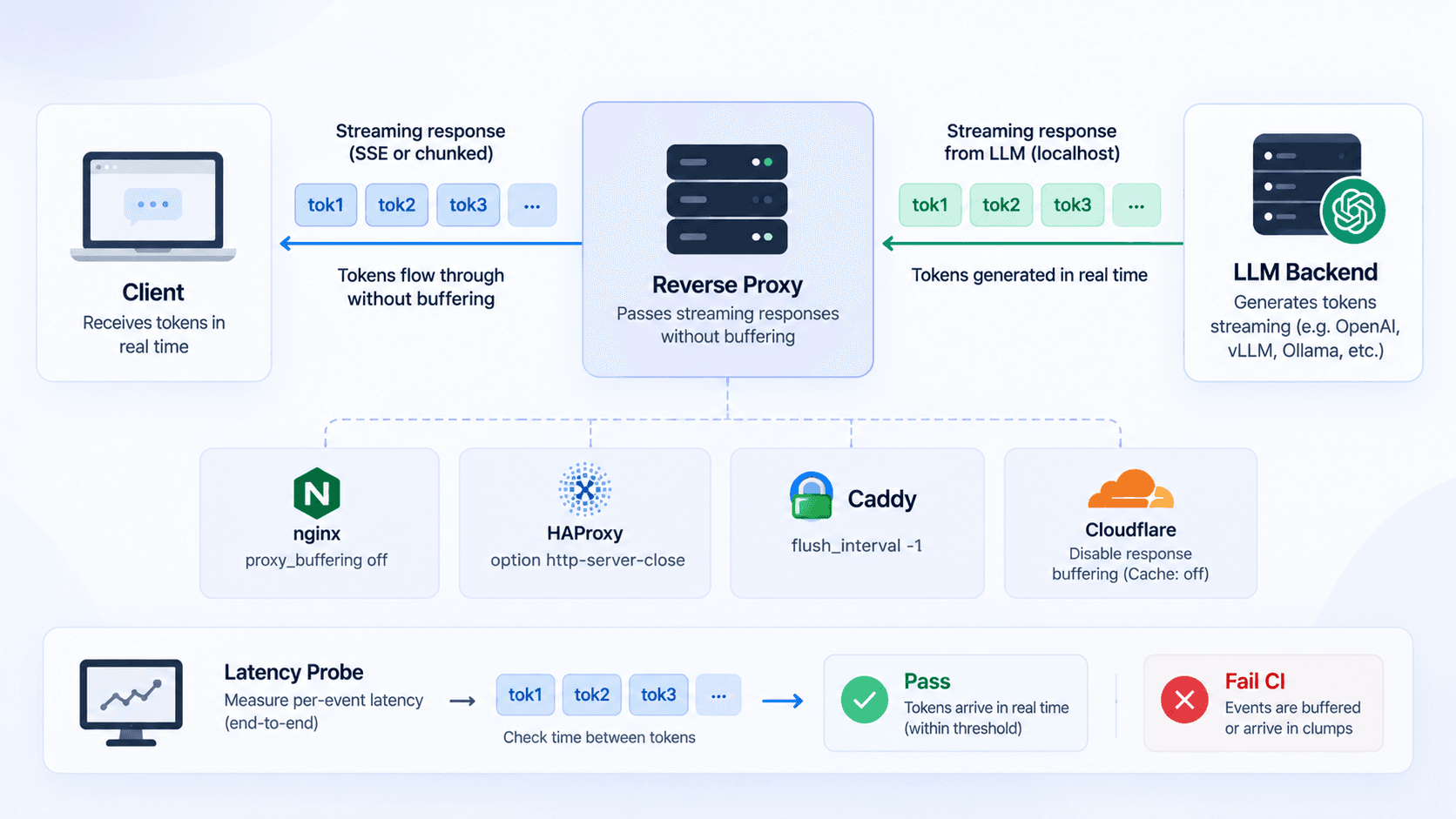
A static key in a map is the minimum, suitable for one internal app. With more than one caller, give each its own key so you can revoke one without rotating everyone, or move authentication to an identity-aware proxy. Keep --api-key set on vLLM as well, with a different key the proxy adds on the way through, so the engine refuses requests that didn’t come via the proxy even if a firewall rule slips. The proxy_buffering off line keeps streamed tokens flowing; streaming through a reverse proxy covers the rest of those settings.
Close the ports the proxy doesn’t need
The proxy only helps if the engine port isn’t reachable around it. Allow inbound traffic to the proxy’s port and nothing else, at both the provider’s firewall and the host. If the engine runs in Docker, publish it to loopback (127.0.0.1:8000:8000, not 8000:8000), because a bare published port listens on every interface and Docker’s own firewall rules can sit outside what a host firewall such as ufw manages.
Multi-node vLLM needs the same discipline one layer down. The security guide says communication between nodes, including PyTorch Distributed and KV cache transfer, is “insecure by default” and belongs on an isolated network. Those ports should never be reachable from anything but the other nodes.
Tunnels deserve a sentence of their own. The Ollama FAQ documents ngrok and Cloudflare Tunnel as ways to reach a server, and both produce a public URL for an unauthenticated API. If you use one, turn on the tunnel’s own access controls before you share the link. A “temporary” tunnel without them is an exposed server with a harder-to-guess address.
Check it from outside
Configuration that looks right in a file is not the same as a server that refuses strangers. From a machine outside the network, try three requests: the engine port directly, a blocked path through the proxy, and an allowed path without a key. All three should fail. Then send the allowed path with the key and confirm it works.
Run that check whenever the setup changes, not once. The usual regression is quiet: a new container published without the loopback prefix, a teammate setting OLLAMA_HOST to debug something, a tunnel left running after a demo. If you’re sizing the box this runs on, the VPS cost teardown covers what self-hosting actually costs.
Before you change a bind address, decide what will authenticate requests. If the answer is “the model server”, put a proxy in front first.
Sources
- FAQ (opens in a new tab), Ollama Docs
- API introduction (opens in a new tab), Ollama Docs
- Documentation index (opens in a new tab), Ollama Docs
- Security (opens in a new tab), vLLM Docs
- vllm serve (opens in a new tab), vLLM Docs
- GHSA-8hqg-whrw-pv92 (CVE-2024-37032) (opens in a new tab), GitHub Advisory Database