Observability for AI Agents: Trace the Run, Not Just the Call
Per-call LLM logs can’t explain why an agent took forty steps or cost ten times the usual. What an agent trace should capture, how to keep one trace across agents and pauses, what not to record, and how to sample.

in AI Infrastructure & Ops6 min read
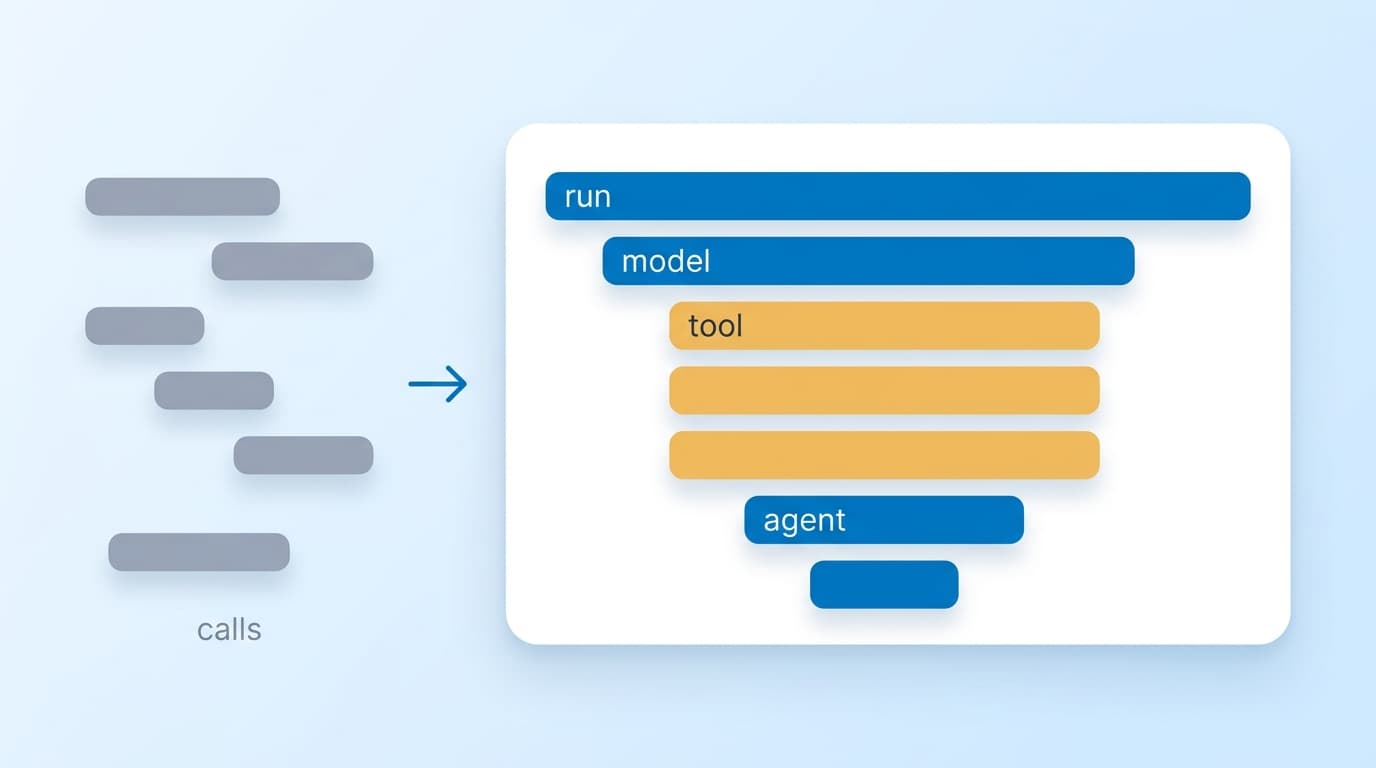
The first serious agent incident usually looks the same. One run costs many times the usual amount and takes minutes instead of seconds. The LLM logs show dozens of model calls, and each one looks normal on its own. What they don’t show is that the agent called the same search tool over and over with slightly different queries, because a parser upstream kept returning an empty list. Per-call logs answer “what did this call cost”. Running agents needs an answer to “what did this run do, and why”. This is for teams operating agents in production and trying to see inside them.
Why per-call logs can’t explain an agent
Two kinds of telemetry usually exist before anyone thinks about agents. Infrastructure metrics show request latency and error codes. LLM logs show each model call with its prompt, tokens and latency. Neither captures the thing that actually goes wrong in an agent: the sequence.
Microsoft’s documentation on agent tracing lists why agents are hard to debug, and every reason is about structure rather than individual calls. There are many steps. “The sequence of steps might vary based on user input.” Inputs and outputs are long. And steps nest: an agent calls a tool that runs another process that calls another tool, so when the final output is wrong, “it might be difficult to determine exactly where in the execution the issue was introduced” (Microsoft Foundry: agent tracing (opens in a new tab)).
There’s a deeper reason, too. In deterministic software, you debug by reproducing the problem. An agent given the same input may take a different path the next time, so the failing run may never happen again. The trace is often the only record of what the agent did. Treat it that way, and the question of what to capture gets much clearer.
AWS’s Well-Architected guidance for agentic systems names the gap directly as an anti-pattern: “Instrumenting only infrastructure metrics … without capturing agent-specific spans for reasoning steps, tool invocations, and memory operations” (AWS Agentic AI Lens (opens in a new tab)). It rates the risk of skipping this as high.
The shape of a useful agent trace
Distributed tracing already has the right structure; agents just need it applied at the right level. The run is the root span. Every model call, tool call, planning step and memory read or write is a child span beneath it, in the order it happened. When an agent hands work to another agent, that sub-agent’s run is a child span too, so a multi-agent task reads as one tree.
The OpenTelemetry semantic conventions for generative AI give these spans standard names, such as invoke_agent for a run and execute_tool for a tool call, with attributes for tool arguments and results. Microsoft’s tracing and several agent frameworks emit them, and AWS’s agent instrumentation is OpenTelemetry-compatible. One caution before you build dashboards on the exact names: Microsoft’s documentation notes the conventions “have Development status and might change in future releases.”
Names matter less than what each span carries. These are the fields that turn a trace from a picture into something you can query:
|
Span |
Fields worth recording |
Question it answers |
|---|---|---|
|
Run (root) |
user or tenant, task type, step count, total tokens and cost, outcome |
What did this run do, for whom, and did it work? |
|
Model call |
model ID, input and output tokens, latency, finish reason |
Which call was slow or expensive, and why did it stop? |
|
Tool call |
tool name, latency, success or error, size of the result |
Which tool failed, looped or returned nothing useful? |
|
Memory operation |
read or write, store, number of items |
What did the agent remember or retrieve? |
The root span’s fields deserve the most care, because they’re what make it possible to look across thousands of runs rather than one. A run that records its step count and cost can be found when it’s an outlier. A run that only exists as a scattering of model calls can’t.
Keep one trace across agents and pauses
A trace only explains a run if the whole run is in it. AWS’s example makes the point: propagate W3C Trace Context across every boundary “so a request that passes through five agents produces one trace with five spans, not five disconnected traces.” Without that, debugging a multi-agent workflow means lining up timestamps by hand, which gets the wrong answer as soon as two requests overlap.
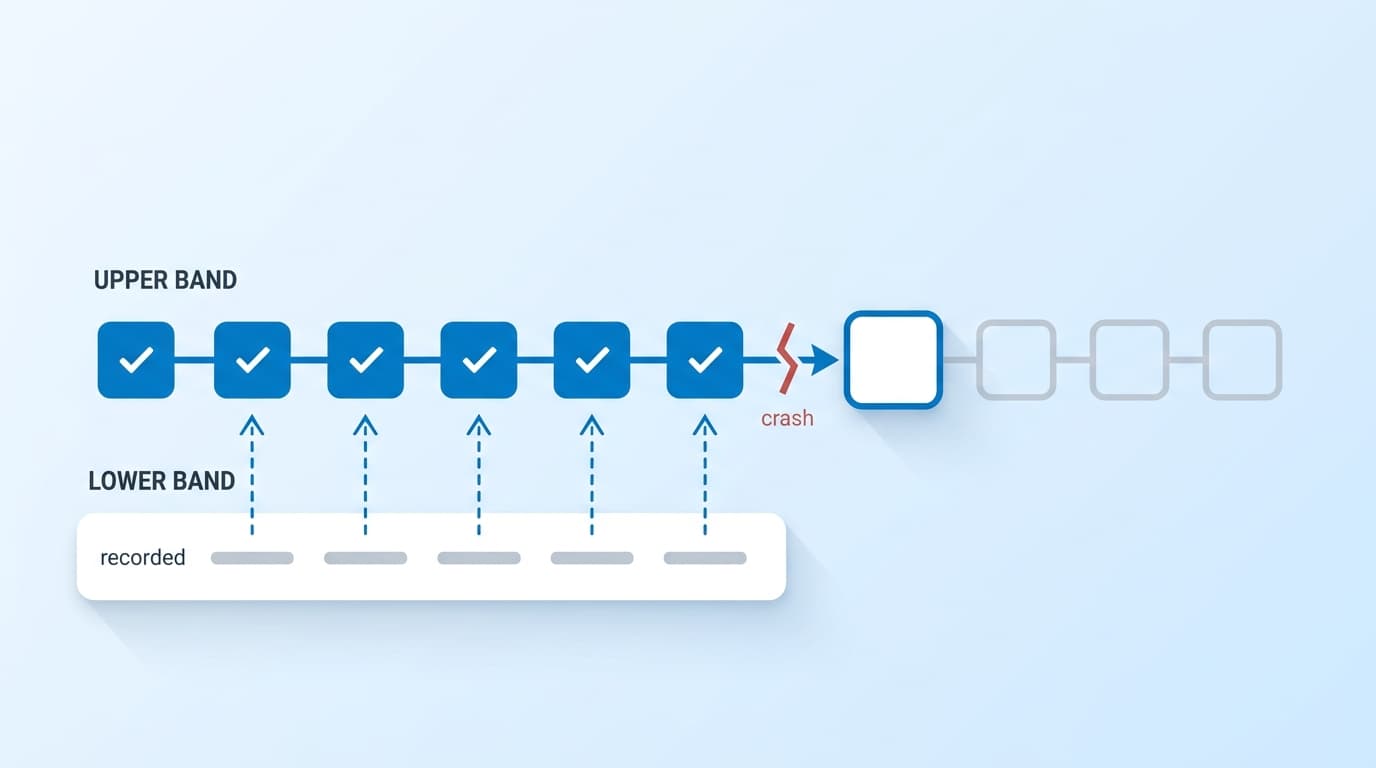
The boundaries that break propagation are usually the asynchronous ones: a message queue between agents, a webhook that resumes a run, a human approval that arrives hours later. If you run agents on a durable execution engine, carry the trace context in the run’s stored state so a run that resumes after a crash or a long wait still lands in the same trace. The step boundaries described in durable execution for AI agents map naturally onto spans.
Decide what not to record
An agent trace can capture almost everything: prompts, model outputs, tool arguments and tool results. That means personal data, customer documents, and occasionally a secret pasted into a prompt. Microsoft’s guidance is to redact before data reaches telemetry and to “Treat trace data as production telemetry”, with the same access controls and retention as other logs.
Claude Code is a useful model for sensible defaults. Its OpenTelemetry export records structure, cost and token counts, but “Spans redact user prompt text, tool input details, and tool content by default”, and each kind of content has its own switch to turn on. The most revealing option, full API request and response bodies, is off by default because those bodies “include the entire conversation history” (Claude Code monitoring (opens in a new tab)).
Follow the same split. Record the structure and metadata of every run: which steps happened, in what order, how long they took and what they cost. Put content behind an explicit setting, limit who can read it, and keep it for days rather than months. Most incidents can be diagnosed from structure alone. The repeated tool call in the opening example shows up as twenty identical span names without anyone reading a prompt.
Sampling: errors aren’t the only runs worth keeping
Storage is where agent tracing gets expensive, because spans that carry prompts and outputs are large. AWS’s recommendation is to “capture 100% of error traces and a configurable percentage of successful traces”, with retention tiers for operational, compliance and debugging data. Turning content off by default cuts cost as well as risk.
Agents add one complication. The runs you most need to see often aren’t errors. An agent that confidently completes with the wrong answer produces a trace full of successful spans. If sampling keeps only error traces and a slice of the rest, it will mostly throw those runs away. Record an outcome on the root span wherever you have a signal for it (an evaluation score, a user’s thumbs-down, a retry by the user) and sample on that as well as on errors.
From single traces to a fleet
Once every run produces one trace with good root fields, the fleet-level questions become queries rather than investigations. Cost per run, broken down by task type, rolls up to cost per customer, which is the number tracking AI gross margin depends on. The distribution of steps per run shows when a change made the agent less efficient. Success rate across repeated runs of the same task is the reliability measure described in measuring agent reliability with pass^k.
Alert at the run level, not the call level. Individual model calls are noisy, and slow calls happen. A jump in the 95th percentile of steps per run, or in how often the same tool is called with near-identical arguments within one run, is the early sign of a loop, and it shows up long before anyone notices the bill.
Before building any dashboard, check one thing. Pick a recent run and see whether a single trace answers what it did, for whom, how many steps it took, what it cost and whether it worked. If you can’t get all five from one place, fix that first; everything else is built on it.
Sources
- Agent tracing overview (opens in a new tab), Microsoft Foundry documentation
- AGENTOPS05-BP01 Establish end-to-end tracing and telemetry for agent operations (opens in a new tab), AWS Well-Architected Agentic AI Lens
- Monitoring (opens in a new tab), Claude Code Docs